How to Pay an Electricity Bill Online in Nigeria
Pay prepaid or postpaid electricity bills, find your token and handle missing or rejected tokens with this DimeSage guide.
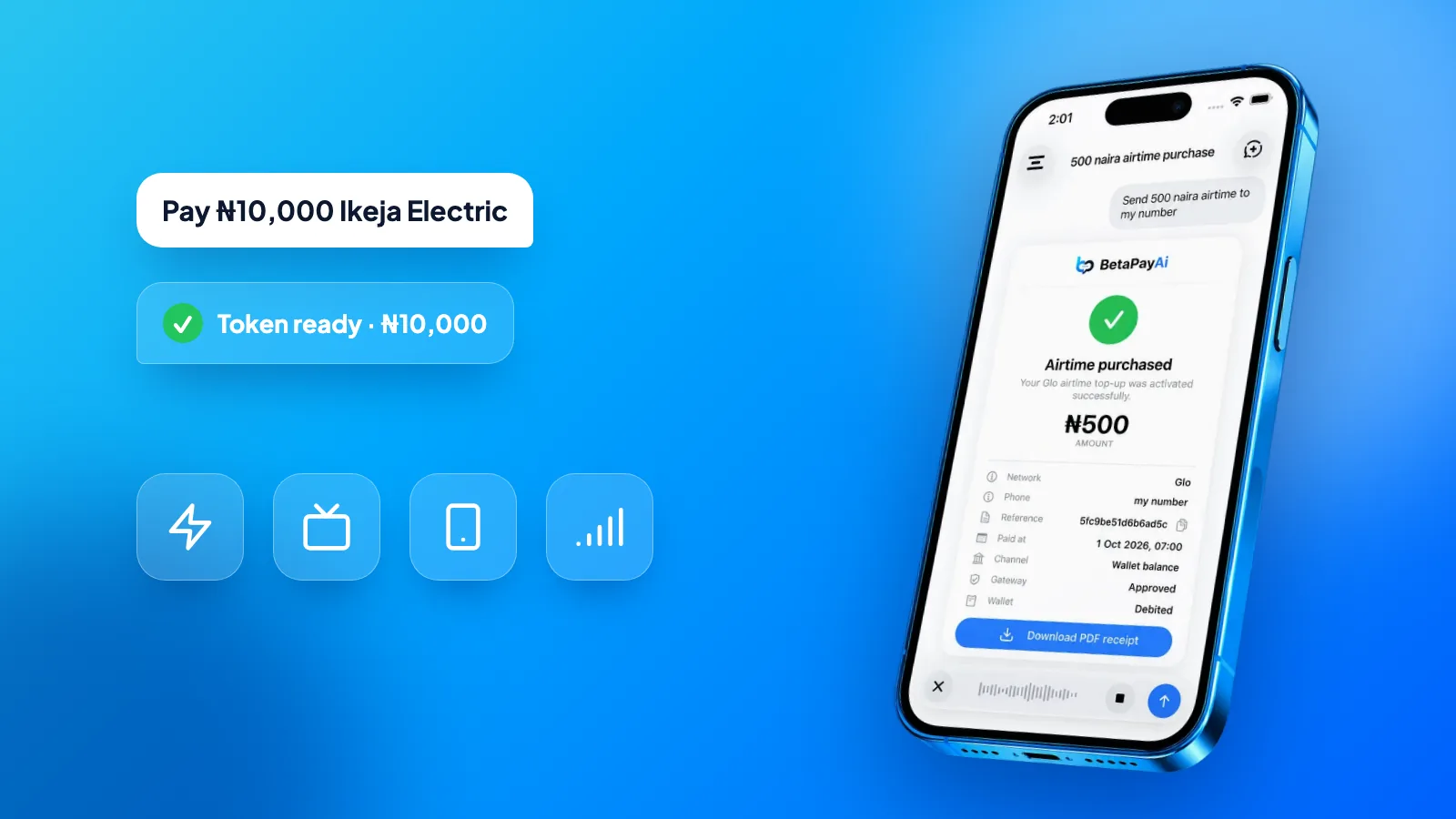
To pay an electricity bill online in Nigeria, you need the correct distribution company, meter number, payment type and amount. In DimeSage, enter those details in chat, review the order and approve it with your payment PIN. A successful prepaid purchase includes an electricity token on the receipt.
Use this guide to check the details before paying and to decide what to do if a token is missing or rejected.
Gather your meter details
Check a previous receipt or bill for the distribution company and meter number. Your distribution company is also called a DISCO. Examples include Ikeja Electric, Eko Electricity, Abuja Electricity and Ibadan Electricity.
Confirm whether the meter is prepaid or postpaid. Prepaid payments provide a token for the meter. Postpaid payments settle an amount against the customer’s account. Choosing the wrong payment type can prevent the purchase from being processed correctly.
If you are paying for a relative, ask them to confirm the meter details. Do not copy a number from an unrelated property or assume that two homes in the same city use the same company.
Start the payment in DimeSage
Open the DimeSage web app or use a supported chat channel. Tell the assistant what you want to pay. For example: “Pay ₦5,000 to my Eko Electric prepaid meter.”
Provide the meter number when asked. Check any customer name or account information returned during validation. If the details do not match the property you intended to pay for, stop and correct them.
DimeSage supports prepaid and postpaid payments across Nigeria’s 11 distribution companies. Use the current biller options shown in chat. The electricity payment page explains the purchase flow.
Review the total before approving
Read the final summary carefully. Check:
- The distribution company.
- The complete meter number.
- Prepaid or postpaid payment type.
- The customer details, where returned.
- The payment amount and total shown.
Enter your PIN only when these details are correct. A successfully issued token cannot simply be moved to a different meter, so this check matters even when you have paid the same biller before.
The naira amount does not guarantee a fixed number of units. Applicable tariffs and account deductions can affect the units provided. Ask your distribution company about tariff or meter-account deductions when you need a breakdown.
Find and load a prepaid electricity token
After a successful prepaid purchase, open the transaction receipt in DimeSage. Find the token and enter the complete sequence on the meter associated with the order. Keep the receipt until the meter accepts it.
If you cannot find the receipt, ask DimeSage for help with the purchase. Keep the transaction reference available. It helps support identify the correct order without confusing it with an earlier payment.
A postpaid payment does not follow the same token-loading process. Check that the payment was applied to the intended account instead.
What to do if the token is missing
First, check the transaction status. A pending order is different from a failed order. Avoid buying another token while the first purchase is unresolved.
If the receipt shows success but no token is visible, contact DimeSage support with the reference. Explain when you paid and what the receipt shows. Do not share your payment PIN.
When a purchase fails and the product is not delivered, the amount is refunded to the DimeSage wallet under the refund policy. A successful token purchase is final.
What to do if the meter rejects the token
Check that you are entering the token into the meter used for the purchase. Compare the meter number on the receipt with the property’s details. Re-enter the code carefully if you made a typing mistake.
If it is still rejected, note the exact error message. Ask support to check the purchase. Your distribution company may need to review the meter or account if the payment and token are confirmed.
Do not assume that buying again will fix a meter issue. Resolve the first token’s status before spending more.
Frequently asked questions
Can I pay for another person’s meter?
Yes. Confirm their company, meter number and payment type. Review any returned customer details before approving the order.
Where is my electricity token?
For a successful prepaid purchase, it appears on the transaction receipt. Ask support to check the reference if it is missing.
Can I get a refund after a token is issued?
Successful, delivered purchases are final. The refund policy covers failed purchases where the product was not delivered.
For your next payment, open the electricity service guide and keep the meter details ready.