


Explore the DimeSage guides

Start with a task you want to complete

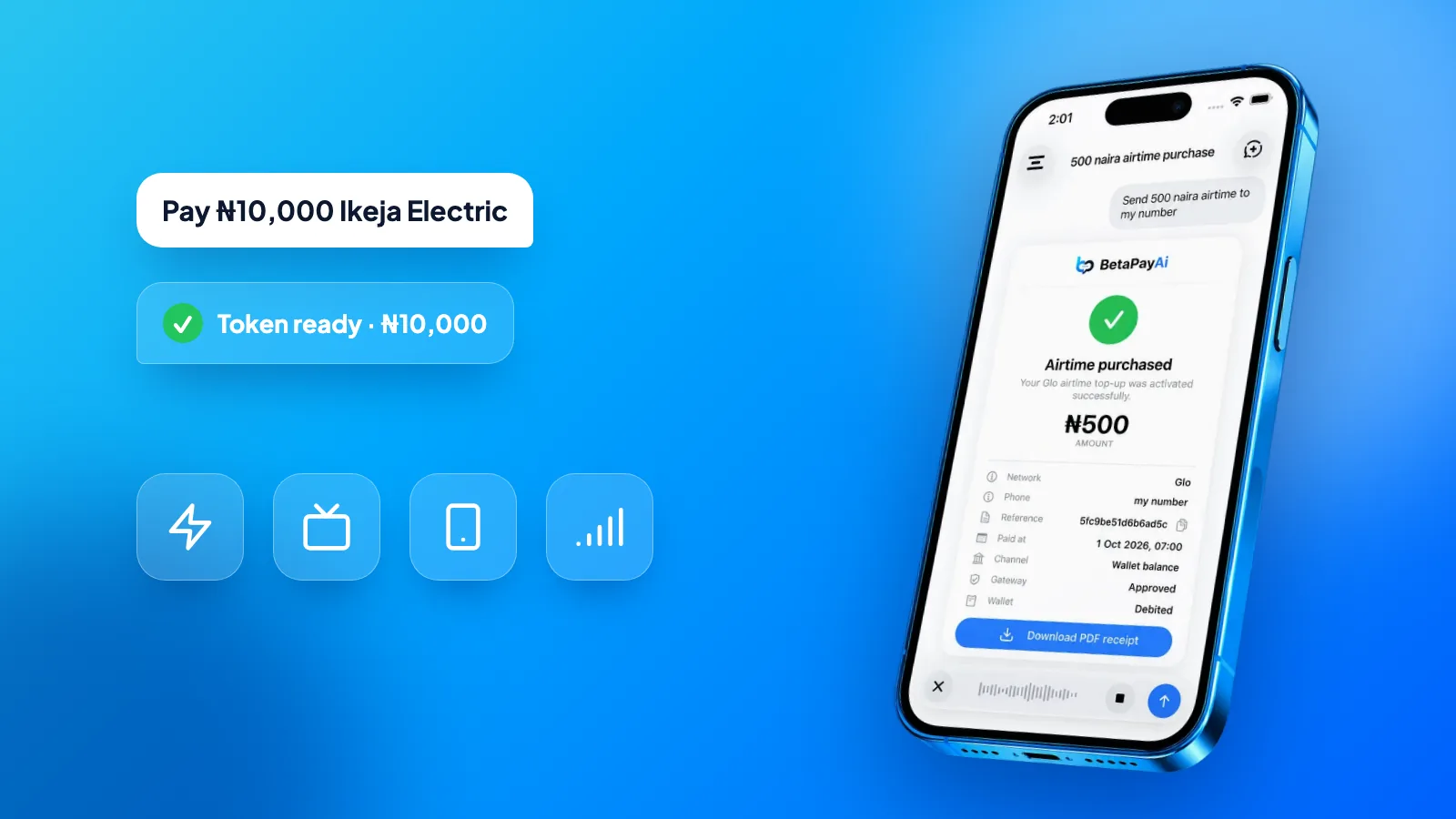
Our guides explain how conversational payments work, from choosing a service to checking the receipt after a purchase. If you are new to DimeSage, begin with the bill-payment walkthrough. It explains the information you need to provide in chat and why checking the recipient, amount and selected product matters before you authorize a payment. You can return to a guide while following the steps in the app.

Read product news in context

News posts describe product plans and changes at the time they were published. A feature announced as coming soon may not yet be available in your account or location. Check the current product information and the options offered in chat before making plans around a service. Prices, travel availability and provider products can change; a guide is an explanation of a workflow rather than a live quote or booking confirmation.

Find an answer beyond the article

Use the search and category controls to find a relevant post, or visit the FAQ for answers about accounts, payments and refunds. The status page is the place to check for service interruptions. If a guide does not answer a question about your own order, contact support with the transaction reference rather than including private payment details in a public message. Keep your receipt so the team can identify the purchase.