How to Pay Bills Online in Nigeria with DimeSage
Buy airtime and data, pay electricity bills and renew cable TV through chat. Follow the checks for payment approval, receipts and support.
 Enarebebe AbrahamUpdated 4 min read
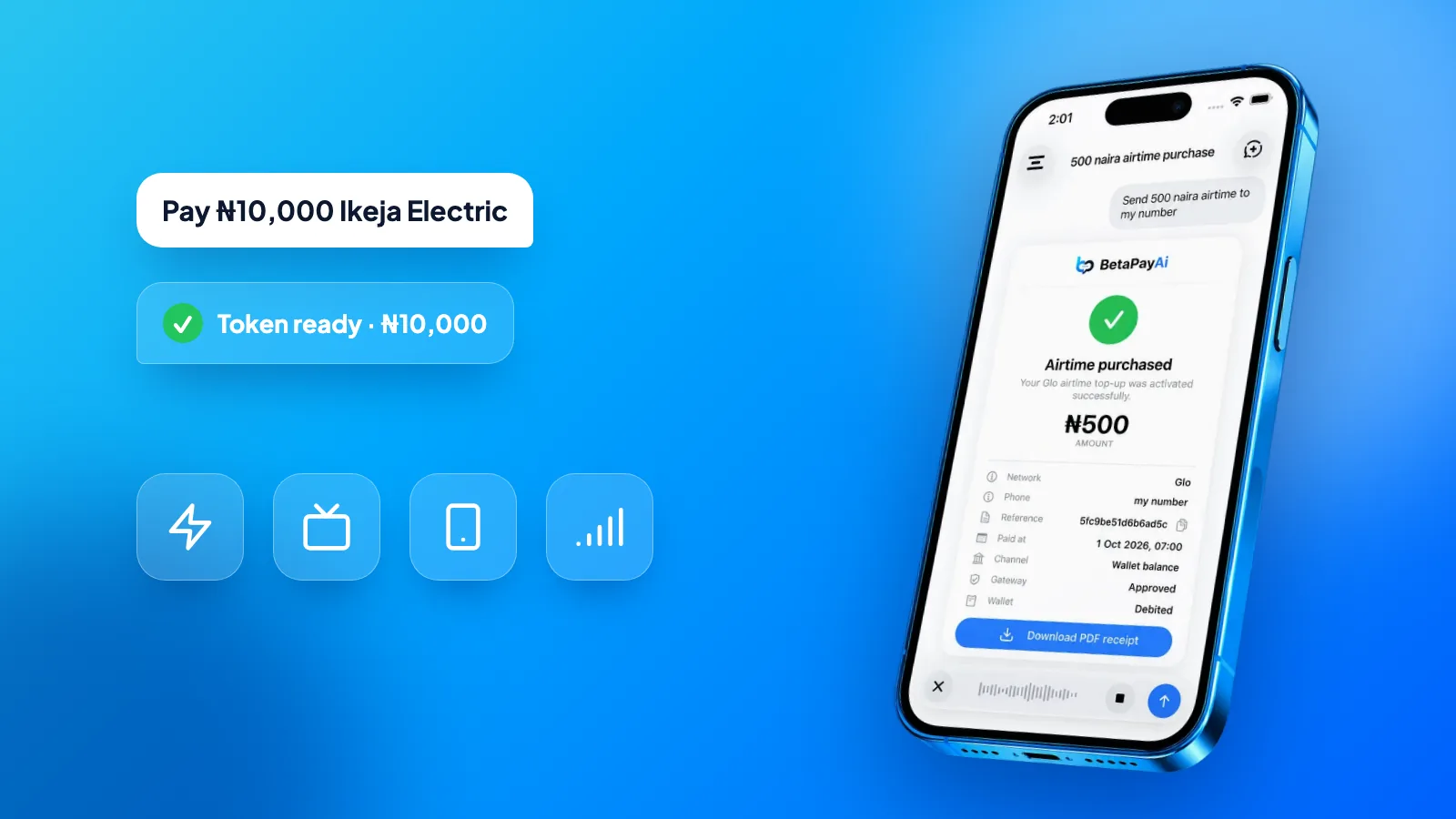
You can pay bills online in Nigeria by telling DimeSage what you want to buy, reviewing the details and approving the payment with your PIN. Supported purchases include airtime, mobile data, electricity, cable TV, exam PINs and digital gift cards.
This guide takes you through the process and explains the checks that help prevent payments to the wrong account. DimeSage is the current brand name; some app listings and channel handles still use BetaPayAi.
1. Choose where you want to chat
Use the DimeSage web app in your browser, or chat through WhatsApp or Telegram. The same account and wallet are used across supported channels. You can also use the iPhone or Android app.
Sign in through the normal account flow. Use the official links on the DimeSage homepage to find the right channel. Avoid entering payment credentials into a page sent by an unknown contact.
2. State the service and recipient
A clear message helps the assistant find the right purchase. Include the product, amount or plan, and recipient details when requested. Examples include:
- “Buy ₦2,000 MTN airtime for my number.”
- “Show me Airtel data plans valid for a week.”
- “Pay ₦5,000 to my Eko Electric prepaid meter.”
- “Renew my DStv Compact subscription.”
For airtime and mobile data, check the phone number, network and bundle validity. For electricity payments, confirm the distribution company, meter number and prepaid or postpaid type. For cable TV subscriptions, use the correct smartcard or IUC number.
3. Review the quote and account details
Read the summary before approving payment. Check the recipient, product and total. If customer details are returned during validation, make sure they match the intended account.
Current prices and available plans are shown in chat. An old receipt or a blog post is not a current quote. For a data bundle, review any time restrictions as well as the allowance. For cable TV, check the chosen package.
If the details are wrong, correct them before entering your PIN. A successful top-up, token or renewal cannot simply be transferred to a different recipient.
4. Approve the purchase
Follow the wallet funding and payment instructions shown in your account. Review the amount before confirming. DimeSage uses a PIN to approve purchases; keep yours private.
Your wallet is prepaid value for buying supported services. It is not a bank account, does not earn interest and is not covered by deposit insurance. Read the terms if you need the full rules for funding and purchases.
Do not share your PIN in a support message, review or public comment. If you are unsure why the assistant is asking for a detail, stop and use the official support channel.
5. Keep the receipt and check delivery
After purchase, keep the transaction reference. Electricity tokens appear on the receipt for successful prepaid orders. Airtime, data and cable renewals are delivered to the recipient or subscription linked to the order.
Delivery depends on the service and provider. If an order remains pending, check its status before retrying. Placing another order while the first is unresolved can lead to duplicate purchases.
For more help with meter purchases, read the electricity payment and token guide.
What happens if a bill payment fails?
A failed purchase where the product is not delivered is refunded to your DimeSage wallet under the refund policy. Successfully delivered purchases are final, including airtime credited, tokens issued and subscriptions renewed.
If the receipt and delivery do not agree, contact support with the transaction reference. Describe the problem and the service you bought. Keep private codes and your PIN out of public messages.
Other purchases you can make
You can also buy digital gift cards for available brands or buy exam result checker PINs. Check the product and any region or usage restrictions before paying.
Flight and hotel booking are coming soon. They are not presented here as services you can complete today. See the flight booking update for the planned features.
Frequently asked questions
Do I need to download an app?
No. You can use the web app in a browser or a supported messaging channel. An app is optional.
Can I pay a bill for someone else?
Yes. Use their correct account or recipient details and review them before approving the payment.
Should I retry a pending purchase?
Check its status first. Ask support to review the reference if you cannot tell whether it completed.
Ready to start? Open DimeSage and tell the assistant which bill you want to pay.